muse illustration
Muse generates illustrations from poems or inspiration
How to add it to Muse
Copy the skill's SKILL.md (from the copy box or the source) and paste it into a Muse chat, asking Muse to follow it. This lasts for that conversation; saving skills isn't documented by Meta. In Muse Code, install it with `muse skills install` per the README.
New to Muse? Join at muse.ai/join and use invite code Referral: using this code gives the site owner credits.
There's no official Muse install link, so musebot never makes one up. Skill For the Muse app, web or WhatsApp.
Skill text to copy
---
name: muse-illustration
description: Turn poems, imagery, or a one-line spark of inspiration into illustrations or posters, using a growing built-in style library. 把诗词、词句、意象或一句话灵感,转化为插画或海报。当用户提供一首诗词 / 词句 / 意象词 / 一句灵感,并要求画成画、出图、生成插画、做海报、配图,或要求用某个已收录风格出图时使用。内置可成长的风格库(风格配方 = 正向提示词 + 负向约束 + 参考图 + 参数),并支持选择风格(选择框内含「自动匹配风格」一项,可按意象与情绪推荐)、出图张数与成品形态。
license: MIT
compatibility: Works with any agent that reads the open Agent Skill format (SKILL.md) — Claude Code, Codex, Cursor, Gemini CLI, Copilot, WorkBuddy and more. Image generation requires a text-to-image tool; style reference images are bundled.
metadata:
author: Stayfoool
version: "1.2.0" # x-release-please-version
tags: agent-skill, illustration, chinese-poetry, text-to-image, poster, art
agent_created: true
---
# Muse Illustration(诗词 / 意象 / 灵感 → 插画 / 海报)
把一段文学性输入(诗词、意象、一句灵感)转成一张或多张插画 / 海报。
## 效果示例
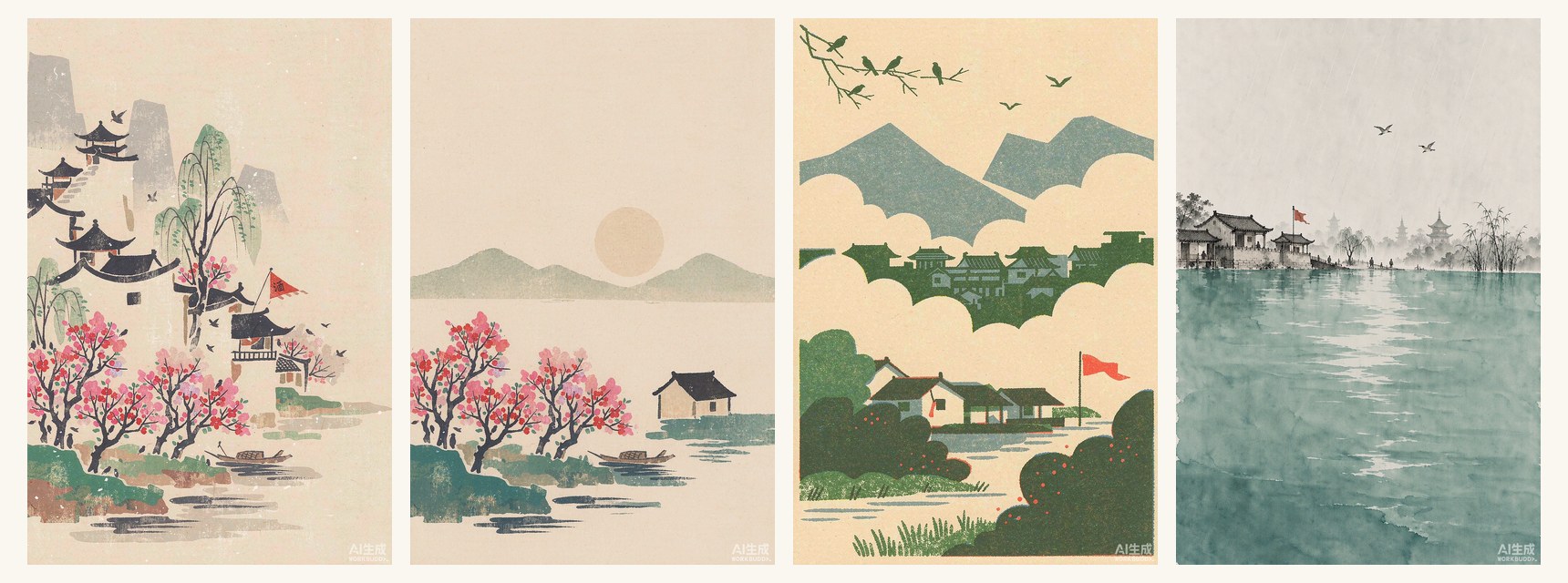
| 杜牧《江南春》· 水印木刻 | 白居易《忆江南》· 水印木刻 |
|---|---|
| 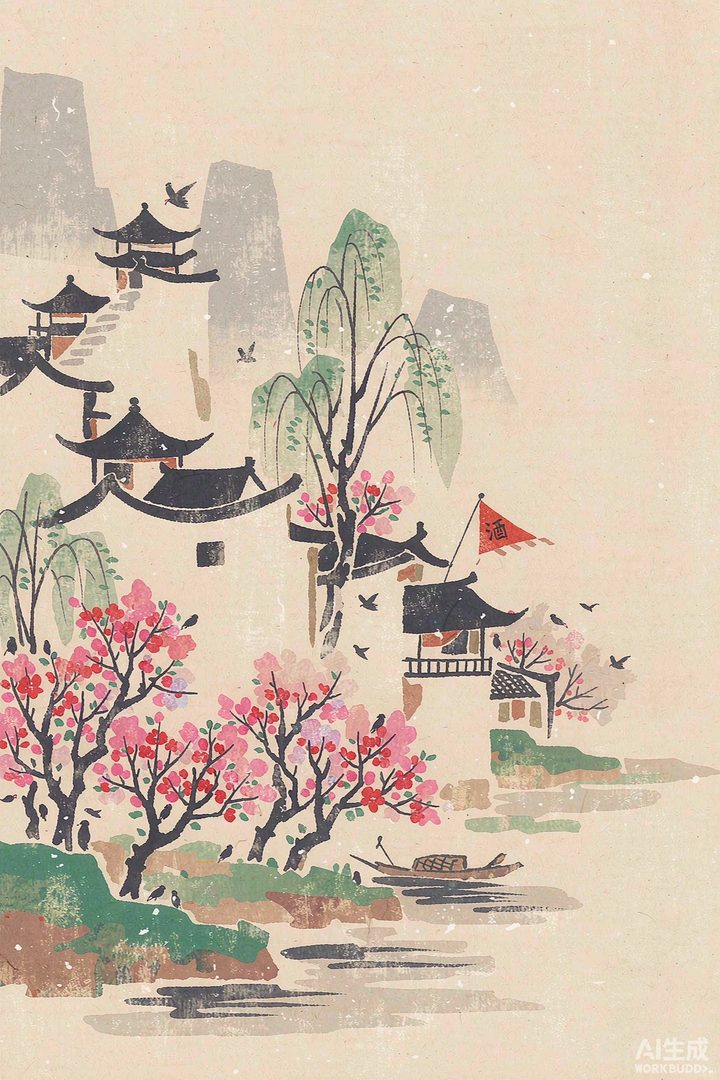 | 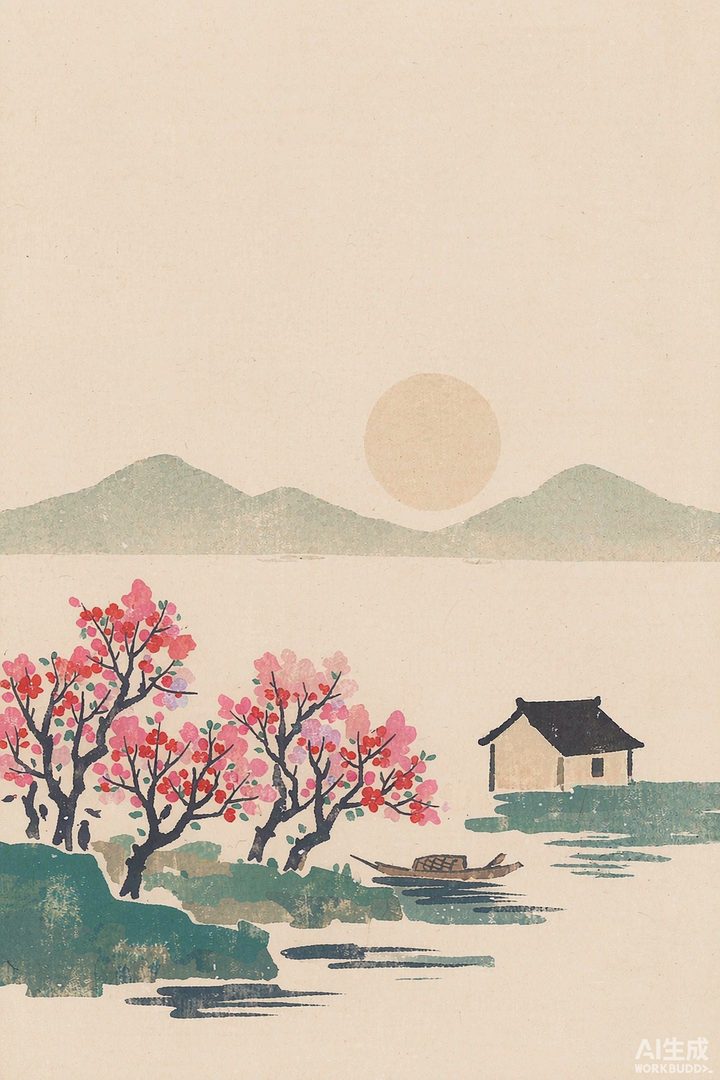 |
| 杜牧《江南春》· risograph 版画 | 杜牧《江南春》· 色块彩墨 |
|---|---|
| 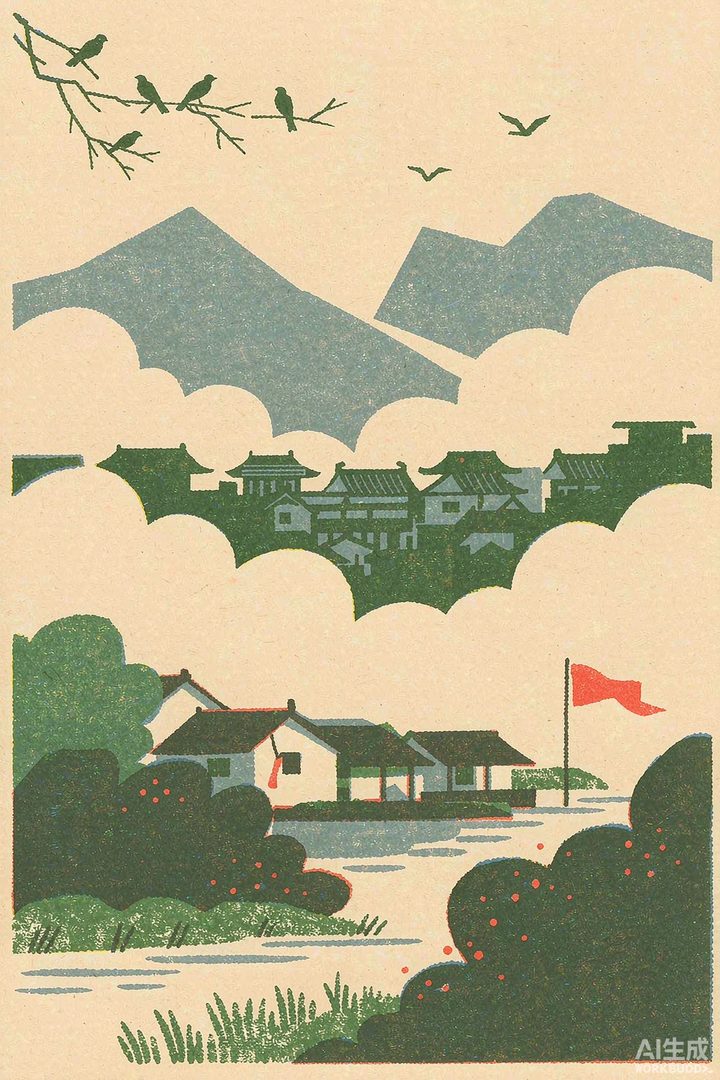 | 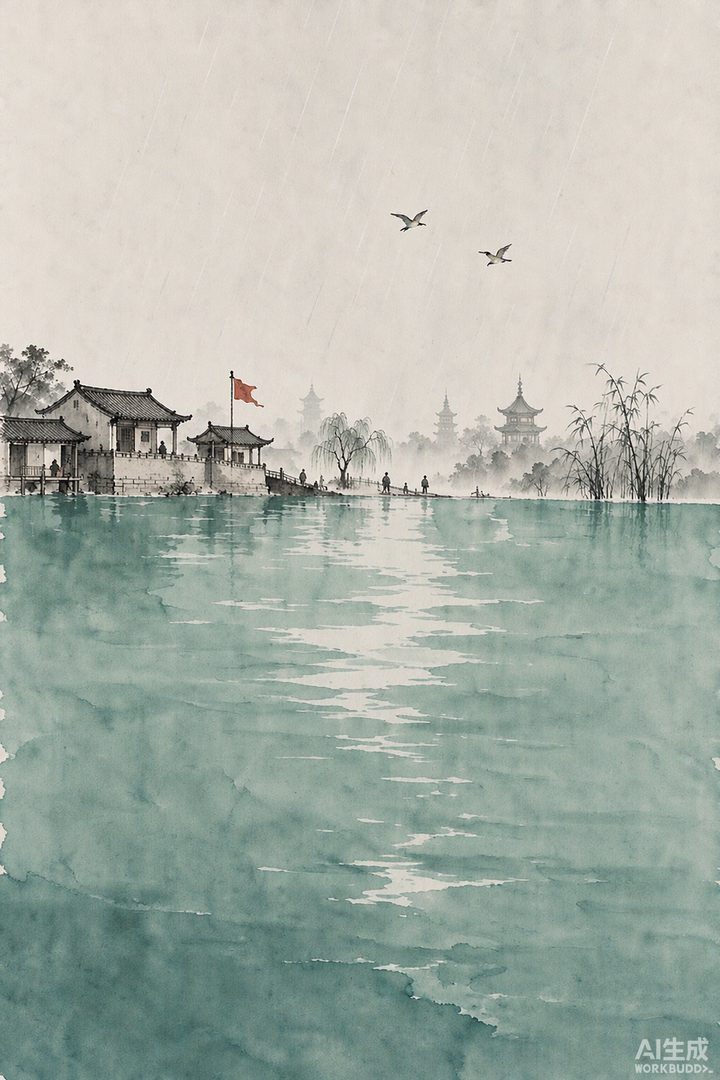 |
## 何时使用
- 用户给出诗词 / 词句 / 意象词 / 单句灵感,并要求「画成画 / 出图 / 生成插画 / 做海报 / 配图」
- 用户要求用某个已收录风格出图
## 核心原则
1. **存配方,不存图。** 可复用的资产是「风格配方」(正向提示词 + 负向约束 + 参考图 + 参数);成图只是配方跑出来的效果样张。
2. **部件级指令 > 抽象形容词。** 用「屋顶收成深色轮廓 / 墙用纸色留白 / 水只几笔横线」这类部件级描述,而不是「简洁、高级」。前者才稳定复现风格。
3. **负向约束与正向同等重要。** 必须显式写出要避免的东西。
4. **采纳制。** 只有用户明确认可的成图才回写案例库;新风格经用户确认后才入库。
## 工作流
1. **解析意象** —— 详见 `references/assembly-rules.md` 第 1 节。
- 判定输入类型:诗词 / 意象 / 单句灵感
- 抽取六类意象:主体、景物、动作、色彩词、情绪基调、时空
- 输入为「单句灵感」而信息不足时,先给出意象清单请用户确认(允许一键跳过)
2. **选择风格** —— 用户未指定时,**必须用选择框把决定权交给用户**,不要自行拍板。
- 用户已指定风格名 → 直接用,不再追问
- 未指定 → 弹出选择框,选项 = **「自动匹配风格」+ 库内全部风格**,规则见 `references/assembly-rules.md` 第 2 节
- **第一项固定为「自动匹配风格(推荐)」**:用户选它,即授权你按第 1 步的意象清单(重点看情绪基调与景物)自行裁定一条最合适的风格;**说明一句理由后直接进入第 3 步,不再追问第二次**
- 其后逐条列出 `assets/styles/` 下**每一个**风格:标签用 `meta.yaml` 的 `name`,描述带上「一句话特征 + 适配情绪(`mood`)」
- **风格清单不得写死在本文档里**:新增风格后,选择框必须自动跟着长出来
- 定下后读取该风格的 `meta.yaml` + `prompt.positive.txt` + `prompt.negative.txt` + `ref.jpg`
3. **确认出图参数**(用户可选;未指定则用风格默认值)
- **张数**:1 张(省额度)/ 2 张 / 4 张(多变体择优,成本 ×N)
- **成品形态**:纯插画(默认竖版立轴 2:3)/ 小红书 3:4 / 方图 1:1 / 横版 3:2 / 带标题字海报
- 比例与尺寸映射见 `references/assembly-rules.md` 第 4 节
- 注意:生图模型渲染中文字不稳,**海报标题字需另走本地排版**(见 `references/assembly-rules.md` 第 5 节)
4. **组装提示词** —— 详见 `references/assembly-rules.md` 第 3 节。
- 用「风格正向模板」套入「意象清单」,再附上风格负向约束
- 有参考图时作为 `image1` 传入做风格锚定,并强调「只借风格与笔触,不要照抄构图」
5. **生图**:调用 ImageGen。
- **调用前必须告知用户:本次将消耗约 5-10 积分 / 张**
- 参数:`size` 按成品形态,`quality=high`,`output_dir` 默认 `<当前项目>/generated-images`
- 多变体:同一提示词重复调用,或对措辞做小幅变化
6. **交付与归档**
- 用 present_files 展示成图
- 询问是否采纳;**用户采纳后**:① 把成图拷一份到 `assets/cases/images/YYYY-MM-DD-<slug>.jpg` 做成自包含副本;② 按 `references/style-spec-template.md` 的案例格式追加一条到 `assets/cases/`
## 资源
- `references/assembly-rules.md` —— 解析 / 选风格 / 组装 / 尺寸 / 叠字 / 归档 的详细规则
- `references/style-spec-template.md` —— 新增风格条目与案例记录的模板
- `assets/styles/<风格名>/` —— 风格库(`meta.yaml` / `prompt.positive.txt` / `prompt.negative.txt` / `ref.jpg`)
- `assets/lexicon/imagery.yaml` —— 意象 → 视觉元素 词典
- `assets/cases/` —— 已采纳案例(经验沉淀)
## 新增风格
在 `assets/styles/` 下按 `references/style-spec-template.md` 建目录。风格入库需用户确认。
skills/muse-illustration/SKILL.md from the repo, MIT licence. Read it before pasting. Muse asks before it acts.
What the source says
把诗词、意象或一句灵感变成插画 / 海报的 Agent Skill。内置 3 种可复用风格配方任选,也可按意象与情绪自动匹配风格。Turn poems into illustrations — pick a style, or let the skill match one by imagery and mood.
Quoted from the source, by Stayfoool. Licence: MIT.
Where we found it
- GitHub repository ↗ 2026-10-14